
Select your business and keywords
Find your Google Business Profile or add its Maps link, then choose the local search terms you want to monitor.
Google Maps Rank Tracker Feature
See Where Your Business Ranks Across the Map
Track Google Business Profile rankings from multiple points around your business. Spot gaps in local visibility, compare competitors where your plan allows, and review changes across saved scans.
Track local GMB rankings across your service area with customizable geogrids.
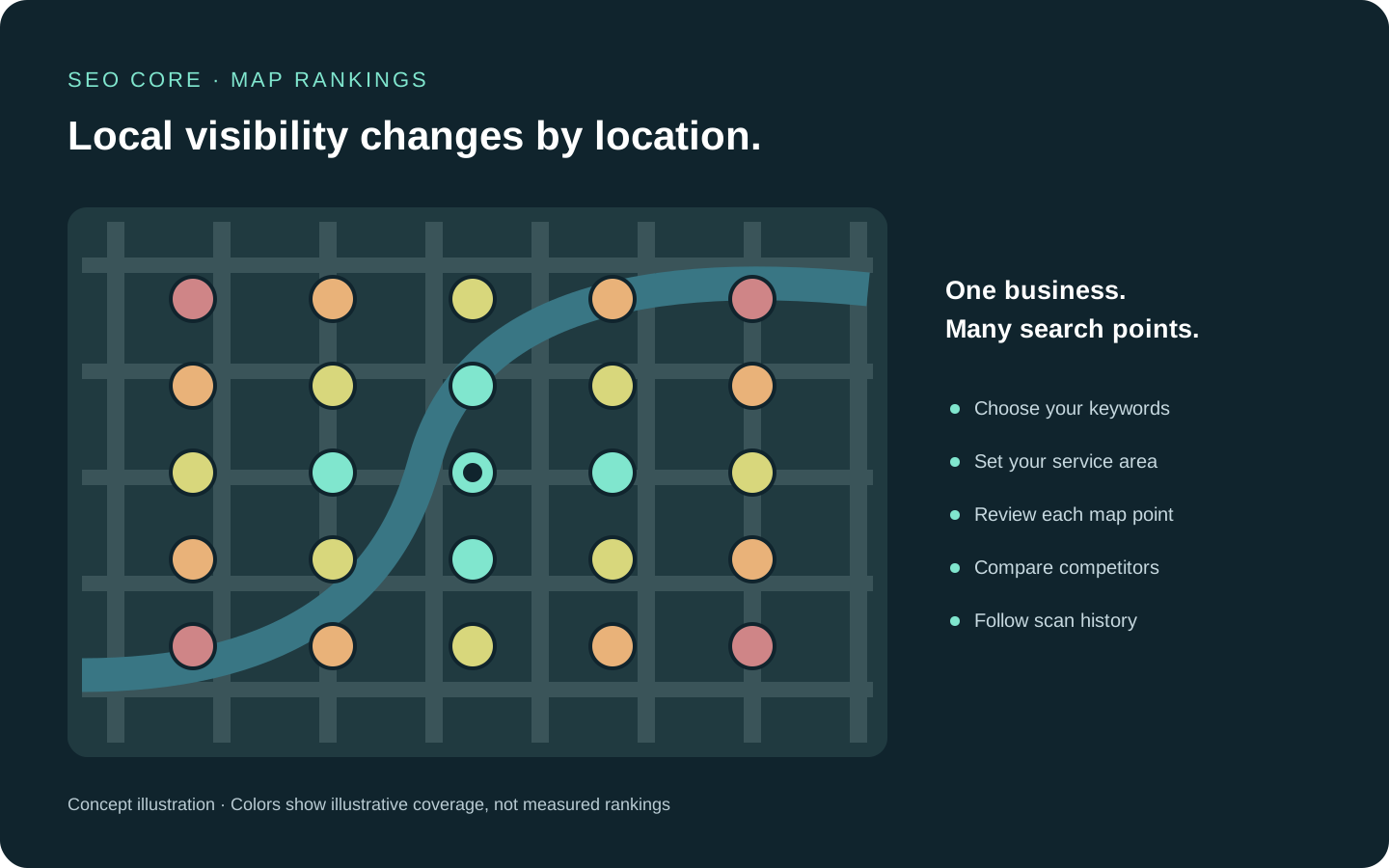
See how your Google Business Profile ranks from multiple locations around your business instead of relying on one search position.
Find your Google Business Profile or add its Maps link, then choose the local search terms you want to monitor.
Choose a grid shape, radius, and density within your plan limits, and adjust points to fit the area you serve.
Run a scan to review positions at each point, top-3 share, average rank, and geographic visibility. Compare competitor grids where your plan allows.
Review saved scans and keyword trends, then set a recurring schedule supported by your plan to monitor the same area over time.
Google Maps Rank Tracker
Built to help teams move with confidence while strengthening growth consistency.
Google Maps Rank Tracker creates more value when your team can scale collaboration, execution pace, and visibility together. Compare plans to pick the setup that fits your next growth stage.
Compare PlansRead Google Maps positions at individual grid points to find gaps across your local service area.
Review top-3 share, average rank, and visibility alongside the map instead of judging performance from one position.
Set the radius, shape, density, and enabled points to match the area you want to measure, within plan limits.
Inspect competing businesses and their ranking grids where your plan includes competitor details.
Follow saved scans and keyword trends, with grid changes marked so you can interpret comparisons in context.
Use the scan frequencies and monthly map-point allowance included in your plan, with on-demand scans using Research credits.
How This Feature Benefits Your SEO Workflow
Your Google Maps position changes with the searcher's location. A single rank can hide the neighborhoods where your business is visible and the areas where competitors appear ahead of you.
Geogrid tracking connects local keywords, point-by-point rankings, visibility metrics, and saved scans in one project. Review results across your service area and use historical context to prioritize local SEO work.
Inspect competing businesses and their ranking grids where your plan includes competitor details.
Follow saved scans and keyword trends, with grid changes marked so you can interpret comparisons in context.
Use the scan frequencies and monthly map-point allowance included in your plan, with on-demand scans using Research credits.
Google Maps Rank Tracker
Every feature is part of one connected growth workflow. Explore each section to see how the full system works together.
Google Maps Rank Tracker creates more value when your team can scale collaboration, execution pace, and visibility together. Compare plans to pick the setup that fits your next growth stage.
Monitor brand mentions, website citations, and sources across Google AI answers.
Explore AI Visibility TrackingMeasure local Google Business Profile rankings across a geographic grid.
Explore Google Maps Rank TrackerDiscover and prioritize search opportunities before execution starts.
Explore Keyword ResearchCombine GSC and SERP evidence to see where a domain can grow next.
Explore Domain AnalysisConnect keywords to URLs with a cleaner on-page targeting plan.
Explore Keyword MapperFind overlapping URLs and protect important pages from competing with each other.
Explore Cannibalization AnalysisTrack movement and performance to keep priorities evidence-based.
Explore Keyword TrackerSurface technical blockers that can affect crawlability and indexation.
Explore Website AuditorCentralize SEO problems so teams can resolve high-impact items first.
Explore IssuesImprove structured data coverage to support richer search visibility.
Explore Schema MarkupImprove pages with focused content guidance, SERP context, and optimization drafts.
Explore Content EditorPackage technical and performance progress into stakeholder-ready SEO reports.
Explore Technical ReportsShip SEO changes with controlled rollouts and clear version history.
Explore DeploymentsAccelerate SEO production with guided AI support across workflows.
Explore AI IntegrationTurn crawl, keyword, and deployment context into guided next actions.
Explore AI SEO AutopilotConnect trusted agents to SEO Core data, tools, and guardrails.
Explore SEO Core MCPGoogle Maps Rank Tracker
A Google Maps rank tracker checks where a Google Business Profile appears for a keyword from selected geographic points. SEO Core displays those positions on a geogrid so you can see how visibility varies across an area.
Yes. GMB refers to Google My Business, the former name of Google Business Profile. This feature tracks the profile's Google Maps rankings across local search locations.
You can choose the grid shape, radius, density, and active points, then select the keywords to scan. Available grid sizes, location capacity, scan schedules, and map-point allowances depend on your plan.
Yes. Saved scans and keyword trends let you review changes over time. Competitor identities and competitor grids are available on plans that include competitor details. Grid changes are marked to help you interpret historical comparisons.
Scheduled scans use your plan's monthly map-point allowance. On-demand scans use Research credits, with the required usage shown before you start. Grid size, keywords, devices, and scan mode affect usage.
No. It records results from the selected points, keywords, devices, and scan time. Real search results can vary, so use the grid as geographic ranking evidence rather than a guarantee of what every customer will see.
Google Maps Rank Tracker
Use Google Maps Rank Tracker to strengthen your growth engine and help every team execute with clearer direction.